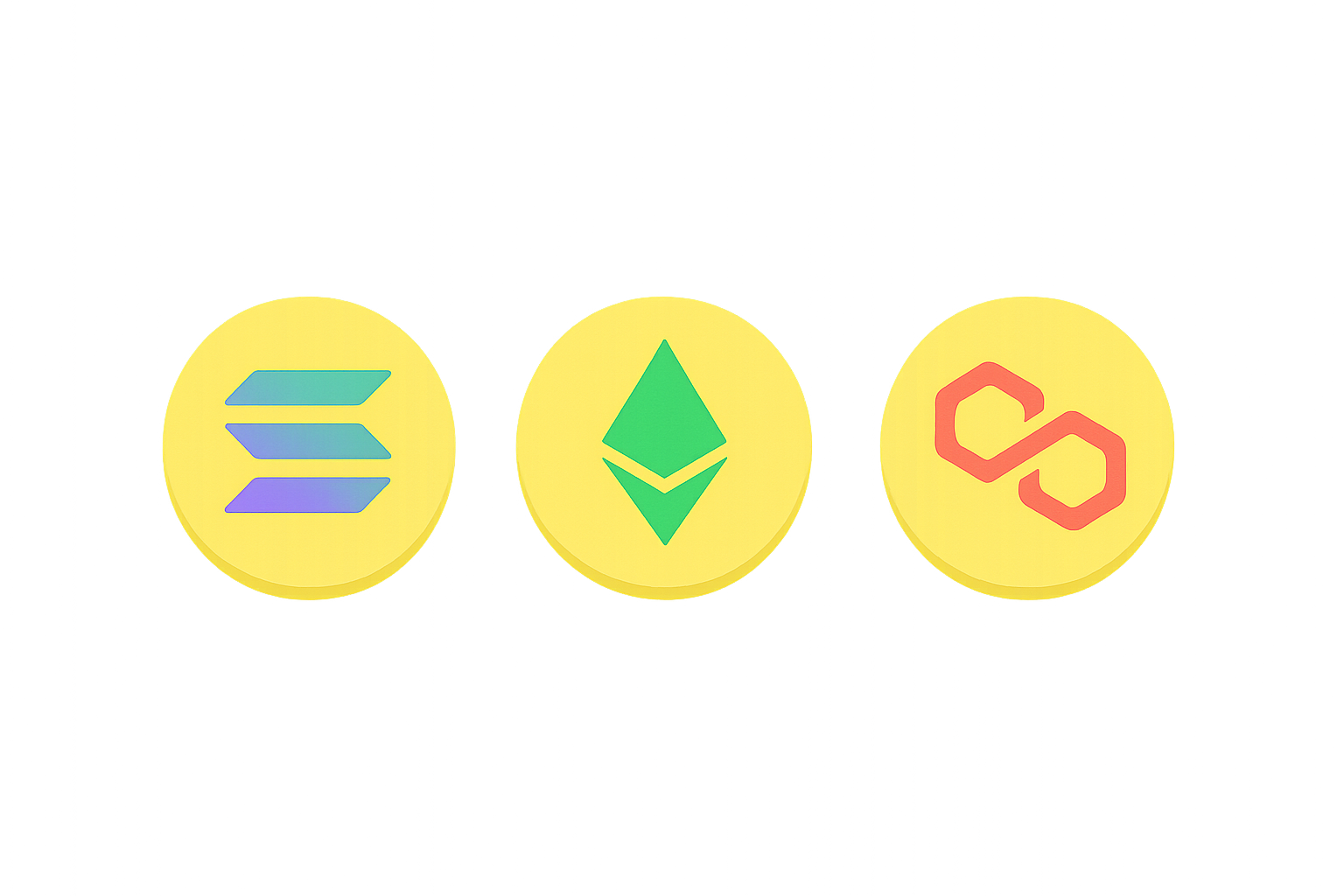
What Is Phantom Wallet?
Phantom Wallet is a non-custodial crypto asset wallet, originally built for the Solana ecosystem and now supporting Ethereum and Polygon as well. Think of it as your "crypto keyring," securely storing your private keys, enabling you to send and receive tokens and NFTs, and connect to decentralized applications (DApps).
Phantom is available as both a browser extension and a mobile app, making it ideal for frequent interactions within Solana—such as token swaps, NFT purchases, and SOL staking. As a non-custodial wallet, your assets are not held by any third party; only you control the private keys, which means you are solely responsible for their security.
How Does Phantom Wallet Work?
Phantom Wallet manages your on-chain assets through private keys. The private key acts as your "master key" to access funds, while the public key functions as your "address," which others use to send you crypto.
The mnemonic phrase is a sequence of English words that serves as your master backup—a memorable representation of your "master key." You can use the mnemonic phrase to restore your wallet on any supported device. Signing is the act of confirming a transaction or authorization using your private key; the wallet will pop up a window for you to review details before clicking to confirm.
Network fees (often called gas fees) are paid to the blockchain network for processing transactions. Solana typically offers lower fees, but costs vary across different networks—always check fees before proceeding.
Which Networks and Assets Does Phantom Support?
Phantom Wallet is centered around Solana but also supports Ethereum and Polygon. Each network uses a different address format: Solana addresses are Base58 strings, while Ethereum and Polygon addresses usually begin with "0x".
On Solana, tokens are generally SPL tokens (similar to Ethereum’s ERC‑20), and NFTs circulate within the Solana network. Assets from different networks cannot be mixed—never send Ethereum tokens to a Solana address. Always select the network corresponding to the token you want to transfer.
How to Create and Back Up a Phantom Wallet?
You can install Phantom via the official website or app stores as a browser extension or mobile app, then create your wallet and back up the mnemonic phrase. Each step is crucial for asset security.
Step 1: Install the official Phantom extension or app from Phantom’s website or trusted app stores. Beware of counterfeit extensions and imitation apps.
Step 2: Create your wallet and set a password. The password unlocks your wallet locally but does not replace the mnemonic phrase.
Step 3: Back up your mnemonic phrase. Write it down on paper and store securely; avoid taking photos or saving it in cloud drives or chat apps. Never share it with anyone.
Step 4: Verify your backup. Confirm the correct order of the mnemonic phrase as prompted; consider using fireproof and waterproof physical media for long-term storage.
Step 5: Optionally link a hardware wallet. Phantom supports integration with hardware wallets (like Ledger) for enhanced key isolation and physical security.
How to Deposit, Transfer, and Withdraw Using Phantom?
You can deposit assets into Phantom Wallet or transfer them out to other addresses or exchanges—choosing the correct network and address is key.
Step 1: Obtain your receiving address. In Phantom, select the target network (e.g., Solana), click "Receive," and copy your address.
Step 2: Withdraw from Gate to Phantom Wallet. For example, to withdraw SOL from Gate, choose SOL and the Solana network, then paste your Phantom Solana address. If a Memo/tag is required, follow platform instructions (typically, wallets do not require a Memo for receiving SOL, but follow exchange prompts).
Step 3: Check network fees and minimum withdrawal amounts. After confirming, submit the transaction; monitor Phantom for incoming funds.
Step 4: Transfer from Phantom to another address. In Phantom, choose the network and token, input the recipient’s address and amount, review transaction details and fees, then sign and send.
Step 5: Cross-chain and asset consistency. Never use addresses across different networks; always verify that the token's chain matches the selected network before transferring.
How to Connect Phantom Wallet to DApps and Trade?
Connecting to DApps is one of Phantom’s primary use cases. On a DApp’s site, click "Connect Wallet," select Phantom, and authorize via the wallet popup.
First, verify the DApp’s domain and security—use official sources or reputable aggregators whenever possible. In Solana’s ecosystem, token swaps commonly use aggregators like Jupiter; after selecting your token pair and amount, the wallet popup displays price and fees for you to confirm and sign.
Second, on Ethereum or Polygon, interacting with a token for the first time often requires "approval"—allowing the DApp to spend your tokens. Set approval limits as needed, then proceed with swaps or other actions after authorizing.
Finally, monitor network fees and slippage settings. Network congestion or low slippage may result in failed transactions or poor pricing. If you encounter unusual popups or permission requests, cancel immediately and double-check authenticity.
How to Participate in NFT Trading and SOL Staking with Phantom?
Phantom features built-in NFT gallery support and SOL staking access. You can view your NFTs directly in the wallet and trade them on compatible marketplaces.
To stake SOL, Phantom guides you in selecting a validator and delegating your SOL. Staking doesn’t mean transferring SOL to another person—it’s locked to help secure the network. Rewards depend on validator performance and network rules. Unstaking requires a waiting period during which your SOL remains unavailable.
When trading NFTs, ensure the marketplace is trustworthy; verify contract addresses and transaction records to avoid phishing links or counterfeit collections.
How Does Phantom Compare with Other Wallets?
Phantom is optimized for high-frequency use within Solana’s ecosystem; its interface and user experience are tailored for Solana while also supporting Ethereum and Polygon multi-chain functionality. Compared to wallets that focus primarily on Ethereum, Phantom provides smoother DApp connections, NFT viewing, and SOL staking on Solana.
Phantom also features built-in token swaps and simple permission popups that help beginners avoid mistakes. Multi-chain addresses are managed in one interface, but each chain has separate addresses—be careful when switching networks.
What Are the Risks of Using Phantom Wallet? How Can You Protect Yourself?
Risks include private key exposure, lost mnemonic phrases, counterfeit extensions/websites, malicious DApp authorizations, and cross-chain/address errors. Asset security depends on proactive protection:
- Safeguard mnemonic phrases and private keys. Never screenshot or store mnemonic phrases online; consider using a hardware wallet for extra isolation.
- Verify sources of DApps and extensions. Install only from official sites or trusted portals; watch out for phishing links or fake airdrop offers.
- Authorize cautiously. Unlimited token approvals on Ethereum/Polygon carry higher risks; set limits as needed and regularly revoke unnecessary permissions using block explorers or your wallet.
- Confirm networks and addresses. Never mix addresses between chains; always double-check before transferring assets.
- Test with small amounts first. When using new addresses or DApps, start with a small transaction to minimize potential losses.
Key Takeaways About Phantom Wallet
Phantom Wallet is a multi-chain non-custodial wallet focused on Solana—ideal for frequent token swaps, NFT trading, and SOL staking within Solana’s ecosystem—while also supporting Ethereum and Polygon. Self-management relies on private keys and mnemonic phrases; DApp connections are authorized via popup signature requests. Always carefully select networks and addresses, manage permissions responsibly, back up mnemonic phrases securely, and consider hardware wallets for added protection. When depositing or withdrawing funds through exchanges like Gate, follow their network selection guidelines to minimize errors. Mastering wallet creation/backups, sending/receiving crypto & DApp connections, plus risk protection will enable you to safely manage daily on-chain activities with Phantom Wallet.
FAQ
Is Phantom Wallet Secure? What Should I Watch Out For?
Phantom uses industry-standard encryption with private keys managed locally by users—offering strong security in theory. Ultimately, safety depends on user habits: avoid logging in over public networks; never share recovery phrases; don’t click suspicious links. Before transferring larger amounts from exchanges like Gate, start with a small test deposit to familiarize yourself with procedures.
Which Blockchains Does Phantom Support?
Phantom natively supports Solana and has expanded to Ethereum, Polygon, and other EVM-compatible chains. You can switch networks in wallet settings; assets on each chain are managed independently. If most of your activity involves Solana assets, Phantom is highly convenient; for cross-chain operations, use Gate for conversions before transferring funds into Phantom.
Can You Buy Crypto Directly With Credit Card in Phantom?
Phantom does not allow direct credit card purchases within the wallet itself but integrates third-party payment services (such as Moonpay) for crypto purchases. These methods tend to have higher fees and stricter verification processes. For better rates and speed, buy crypto with a credit card on exchanges like Gate first, then transfer it into Phantom Wallet.
What If Tokens Disappear From My Phantom Wallet?
Common reasons include network congestion delaying data sync (refresh after several minutes), being on the wrong network (e.g., viewing Solana assets under Polygon), or malicious smart contract authorizations (tokens invisibly transferred out). First verify you’re on the correct network; then check transaction history for suspicious activity; finally use block explorers like Solscan to check actual balances by entering your wallet address.
Can Lost Recovery Phrases Be Recovered in Phantom Wallet?
Your recovery phrase is the ultimate authority for your wallet—if lost without backup, it cannot be recovered. This is an inherent risk of self-custody: no customer support can restore access for you. Always write down your recovery phrase securely when creating a wallet—never screenshot or store online. For large holdings, consider storing most funds at Gate for custodial protection while keeping only needed liquidity in Phantom for daily transactions.