


Shop Verification Code: Why You're Getting Them & When to Worry
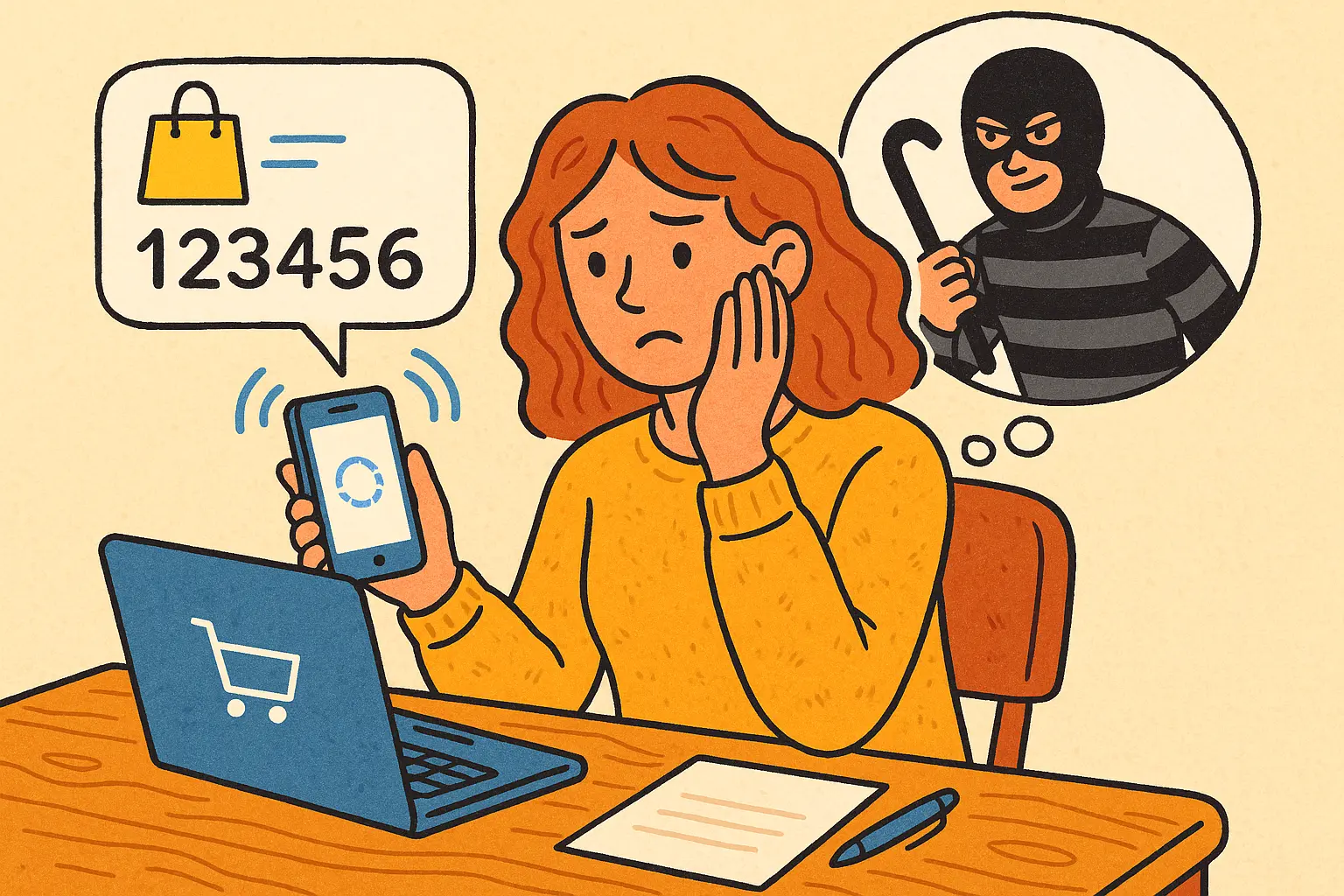
A shop verification code is a six-digit SMS or email code verifying your identity during checkout. You receive shop verification code for legitimate reasons: new devices, browsers, or first-time Shop Pay use. Persistent unsolicited codes may signal account takeover attempts or phishing scams.
What Is Shop Verification Code?
Shop verification code is a unique, time-sensitive sequence of numbers users must input to verify identity during sensitive operations. The SMS message says “XXXXXX is your Shop verification code” where XXXXXX represents your six-digit code. Enter the code at checkout when prompted to complete transactions securely.
These codes form part of two-factor authentication (2FA) systems, adding extra protection layers to online accounts and transactions. The implementation of shop verification code has become increasingly prevalent, particularly on platforms handling cryptocurrency transactions. This heightened security measure responds to growing sophistication of cyber threats and the need for robust digital asset protection.
How Shop Verification Code Works
Time-Based One-Time Passwords (TOTP): Generated using cryptographic algorithms combining secret keys with current timestamps
30-Second Validity Window: Codes expire quickly, reducing interception risks
SMS or Email Delivery: Sent to registered contact points for accessibility
Risk-Based Triggering: System analyzes device, location, and patterns to determine when codes are required
Alternatively, you can choose to verify your account by email sent to the primary email address associated with Shop Pay. Enter the six-digit verification code sent to your email, then complete checkout. This dual-channel option provides flexibility when SMS isn’t accessible.
When You Should Expect Shop Verification Code
Understanding legitimate reasons for receiving shop verification code helps distinguish normal security measures from potential threats. You’ll typically receive these codes when:
Normal Shop Verification Code Triggers
Using Same Device First-Time: After setting up your account and opting in initially
New Device or Browser: Accessing Shop Pay from unrecognized devices
Selecting Shop Pay at Checkout: When choosing this payment method on merchant sites
Account Security Checks: During password resets or settings changes
These instances are normal and indicate that your account’s security systems function correctly. The shop verification code system employs risk-based authentication, analyzing factors like device information, location, and transaction patterns to determine risk levels associated with particular actions. Based on assessments, systems may require additional verification steps for high-risk transactions.
If you also use two-step authentication with SMS for your Shopify admin account, you might receive verification codes from the same phone number that Shopify authentication codes originate from. Two-step authentication messages say “Enter XXXXXX as your Shopify authentication code” where XXXXXX is your six-digit code. Don’t confuse these with Shop Pay codes—check message wording carefully.
Red Flags: When Shop Verification Code Signals Danger
While shop verification code messages often represent normal security procedures, certain patterns should raise immediate concern. If you’re receiving shop verification code without any corresponding activity on your part, it could signal someone attempting to access your account without authorization.
Warning Signs Requiring Immediate Action
Unsolicited Codes: Receiving codes when you’re not trying to log in or make purchases
Frequency Spikes: Multiple codes arriving within short timeframes without your initiation
Unfamiliar IP Addresses: Notification emails mentioning login attempts from unknown locations
Password Reset Requests: Shop verification code accompanying password changes you didn’t request
These red flags indicate potential account takeover attempts. Cybercriminals may have obtained your login credentials through data breaches, phishing, or credential stuffing attacks. They’re attempting to access your account, but shop verification code protection prevents them—unless you inadvertently provide the code.
Immediate Actions When Receiving Suspicious Codes
· Do NOT enter or share the code with anyone or on any website you didn’t directly navigate to
· Change your password immediately using a different secure device
· Enable additional security features if not already active
· Contact platform support to report suspicious activity and review recent account access logs
· Check linked payment methods for unauthorized transactions or changes
Phishing scams frequently leverage shop verification code systems. Attackers send fake messages mimicking trustworthy services, hoping victims will reveal codes or other sensitive information. Always verify sender authenticity before entering verification codes—legitimate services never request codes via unsolicited emails or social media messages.
Shop Verification Code in Cryptocurrency Contexts
Shop verification code protection becomes even more critical when dealing with cryptocurrency transactions due to their irreversible nature. Once crypto transfers complete, they cannot be reversed or canceled—making security paramount. Cryptocurrency platforms implement shop verification code systems as essential safeguards protecting users’ digital assets.
These systems utilize combinations of techniques ensuring transaction legitimacy. Time-based one-time passwords (TOTP) generate codes using cryptographic algorithms combining secret keys with current timestamps, resulting in unique codes valid only for brief periods (typically 30 seconds). This time-sensitive nature significantly reduces windows of opportunity for potential attackers to intercept and misuse codes.
Risk-based authentication analyzes device information, location, transaction patterns, and historical behavior to determine risk levels associated with particular crypto operations. High-risk transactions—such as large withdrawals to new addresses or transfers from unfamiliar locations—trigger additional shop verification code requirements, providing extra security layers when threats are elevated.
For web3 wallet users managing cryptocurrency or digital assets, secure options like dedicated hardware wallets offer end-to-end encryption and controls ensuring assets remain safe. These wallets often integrate with shop verification code systems, requiring physical device confirmation alongside code entry for maximum security.
Best Practices for Shop Verification Code Security
Maximizing security requires combining platform-provided shop verification code protection with disciplined user practices. While verification systems provide robust infrastructure security, user habits remain the vital first line of defense.
Essential Security Practices
Strengthen Passwords: Use complex combinations of letters, numbers, and special characters; avoid reusing passwords across platforms
Enable Two-Factor Authentication: Activate 2FA on all accounts supporting it, especially those handling cryptocurrency
Use Trusted Devices: Access accounts exclusively from personal devices; avoid public computers or shared networks
Keep Software Updated: Maintain current operating systems, browsers, and security software to stay ahead of vulnerabilities
Monitor Account Activity: Regularly review account logs for unknown login attempts or transactions
Never share shop verification code with anyone. Legitimate services never request codes via unsolicited calls, emails, or messages. If someone contacts you claiming to be from Shop Pay or related services requesting your verification code, it’s a scam. Hang up or delete the message immediately, then contact the official platform through verified channels to report the incident.
Educate Yourself on Phishing Attempts
Staying informed on latest phishing scam signs protects against shop verification code exploitation. Recognize suspicious emails or texts that might resemble legitimate communications but seek unusual information. Common phishing indicators include urgent language creating artificial pressure, grammatical errors or awkward phrasing, sender addresses that don’t match official domains, and unexpected attachments or links.
Legitimate shop verification code messages have consistent formatting, originate from verified phone numbers or email addresses, and never request additional sensitive information beyond the code itself. Verify sender authenticity by independently navigating to the official website rather than clicking links in messages.
Handling Persistent Verification Code Issues
If you continue receiving unexplained shop verification code messages, contact platform support for assistance. They can confirm whether activity is benign or if further security measures are necessary. Support teams access backend logs showing all verification code triggers, helping identify whether codes stem from legitimate system behavior or potential security threats.
Another safeguard involves reviewing device permissions granted to third-party applications with account access. Revoking unauthorized permissions can often resolve frequency issues. Check connected apps and services in account settings, removing any unrecognized or unnecessary authorizations.
For cryptocurrency users experiencing persistent shop verification code issues on trading platforms, consider temporarily disabling account access from unfamiliar locations or devices through security settings. Most platforms offer geographic restrictions or device whitelisting features that prevent access outside specified parameters, adding robust protection layers.
FAQ
What should I do if I receive a shop verification code I didn’t request?
Do NOT enter the code anywhere. Change your password immediately, enable additional security features, and contact platform support to report the incident. This likely indicates someone is attempting unauthorized account access.
How long is a shop verification code valid?
Most shop verification code messages remain valid for 30 seconds to 5 minutes depending on platform settings. This short validity window reduces risks from code interception or shoulder surfing attacks.
Can I use the same shop verification code multiple times?
No, each code is single-use only. Once you enter a code successfully, it becomes invalid even if still within its time window. New actions require new codes for security.
Why am I getting shop verification code from Shopify numbers?
If you use both Shop Pay and Shopify admin accounts, verification codes for both services may originate from the same phone number. Check message wording: Shop Pay says “Shop verification code” while Shopify says “Shopify authentication code.”
Is SMS shop verification code secure?
While SMS codes provide baseline security, they’re vulnerable to SIM-swapping attacks. When available, use authenticator apps or hardware security keys for sensitive accounts handling large cryptocurrency amounts.
What if I don’t receive the shop verification code?
Check that your phone number or email is correct in account settings, ensure SMS isn’t blocked, verify email isn’t in spam folders, and try requesting a new code. If issues persist, contact platform support for alternative verification methods.